
Coaching for Beginner Videographers & Businesses
Sydney
COACHING FOR BEGINNER VIDEOGRAPHERS & BUSINESSES SYDNEY
Get The Help You Need
Making your own content can feel simple right up until you hit the first roadblock: footage that looks dark, colours that feel “off”, shaky shots, messy audio, or edits that drag. The good news is most of these problems come down to a few core skills and a repeatable workflow.
Any Shot Media offers one-on-one coaching for beginner videographers and business owners in Sydney who want to shoot cleaner footage, work faster, and feel confident using the gear they already have. These sessions are practical, hands-on, and tailored to your level — whether that’s “never opened a camera app properly” or “I’ve shot a bit, but it still doesn’t look pro”.
SPECIALIZATION
Who This Coaching Is For
This coaching is a good fit if you’re:
Business Owners
A business owner who wants to create better Reels, TikToks, YouTube videos, or website content in-house.
Beginner Videographer
A beginner videographer who wants guidance on what to improve next (and what to ignore for now).
Want To Improve
Someone with a decent camera who’s stuck using auto mode and hoping for the best.
Staff Members
A marketer or staff member who has been “volunteered” to make content and wants a clear system.
If you already have experience, you’ll be asked to share a few examples of your work first. That way the session focuses on the gaps that matter most — and it also makes sure there’s actually something useful to teach. (No fluff. No pretending.)
How It Works (Simple And Tailored)
Quick pre-chat (or on the day):
You’ll be asked about your experience, what you shoot, and where the videos will be used (Instagram, TikTok, LinkedIn, YouTube, website).
Review (if you have past work):
We’ll look at your footage and pick the top 2–3 improvements that will lift your results immediately (usually framing, exposure, lighting, movement, or edit pacing).
Hands-on coaching:
You’ll shoot during the session, not just listen. Expect real-time feedback so you can see the difference on the spot.
A workflow you can repeat:
You’ll leave with a simple shooting setup and a process you can use every week.
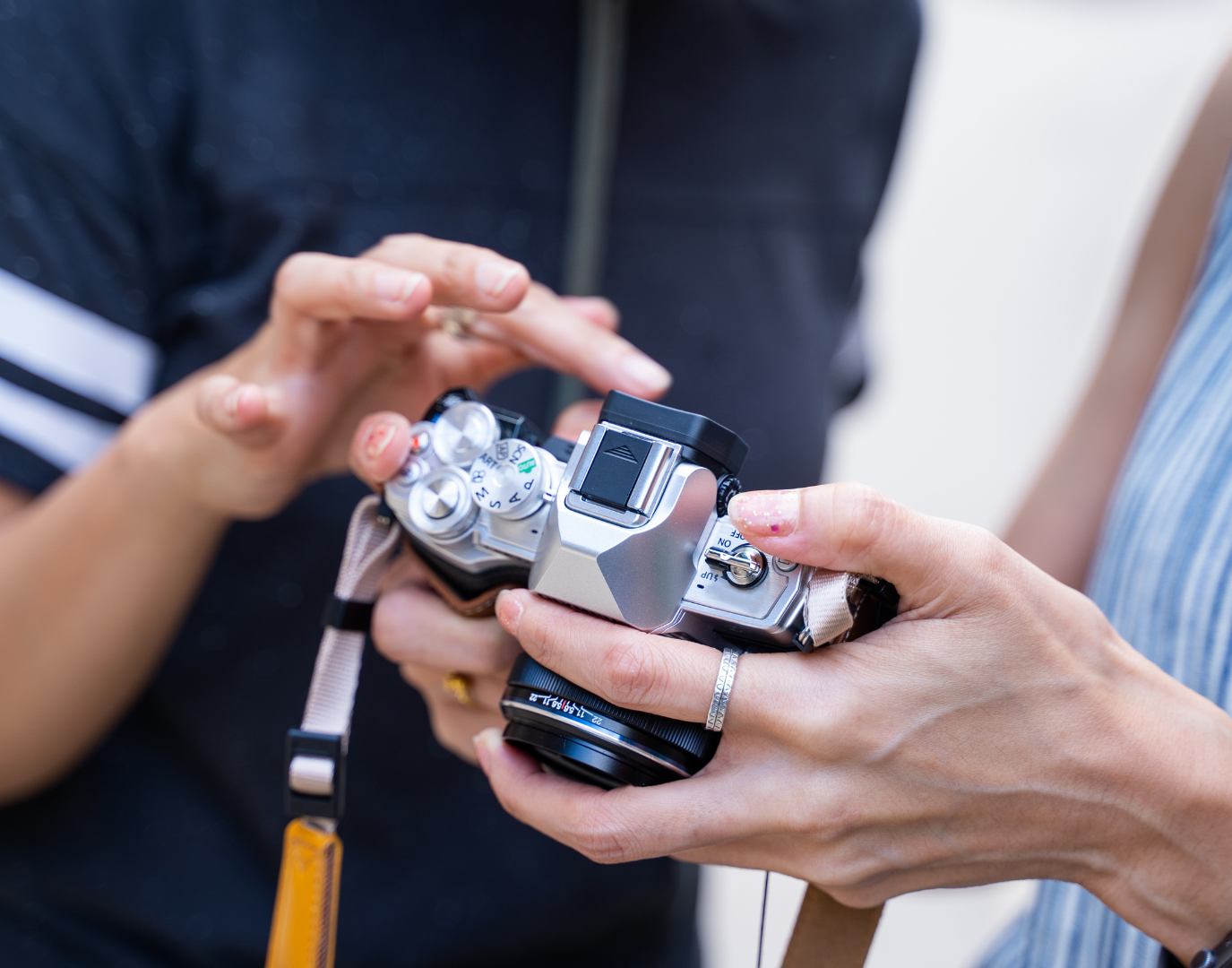
Option 1
iPhone Content Coaching (Beginner-Friendly)
If you’re using an iPhone, you can still get a sharp, premium look — if the settings and technique are right. You’ll learn how to get controlled exposure, cleaner motion, and stronger composition without overcomplicating it.
If you have iPhone Log (iPhone 16 Pro and up)
If your iPhone can shoot in a Log profile, you can film in a flatter format that holds more detail and can be colour graded to look much closer to a professional camera. This is ideal if you want a consistent “cinematic” look across your content, or if you plan to have your footage graded later.
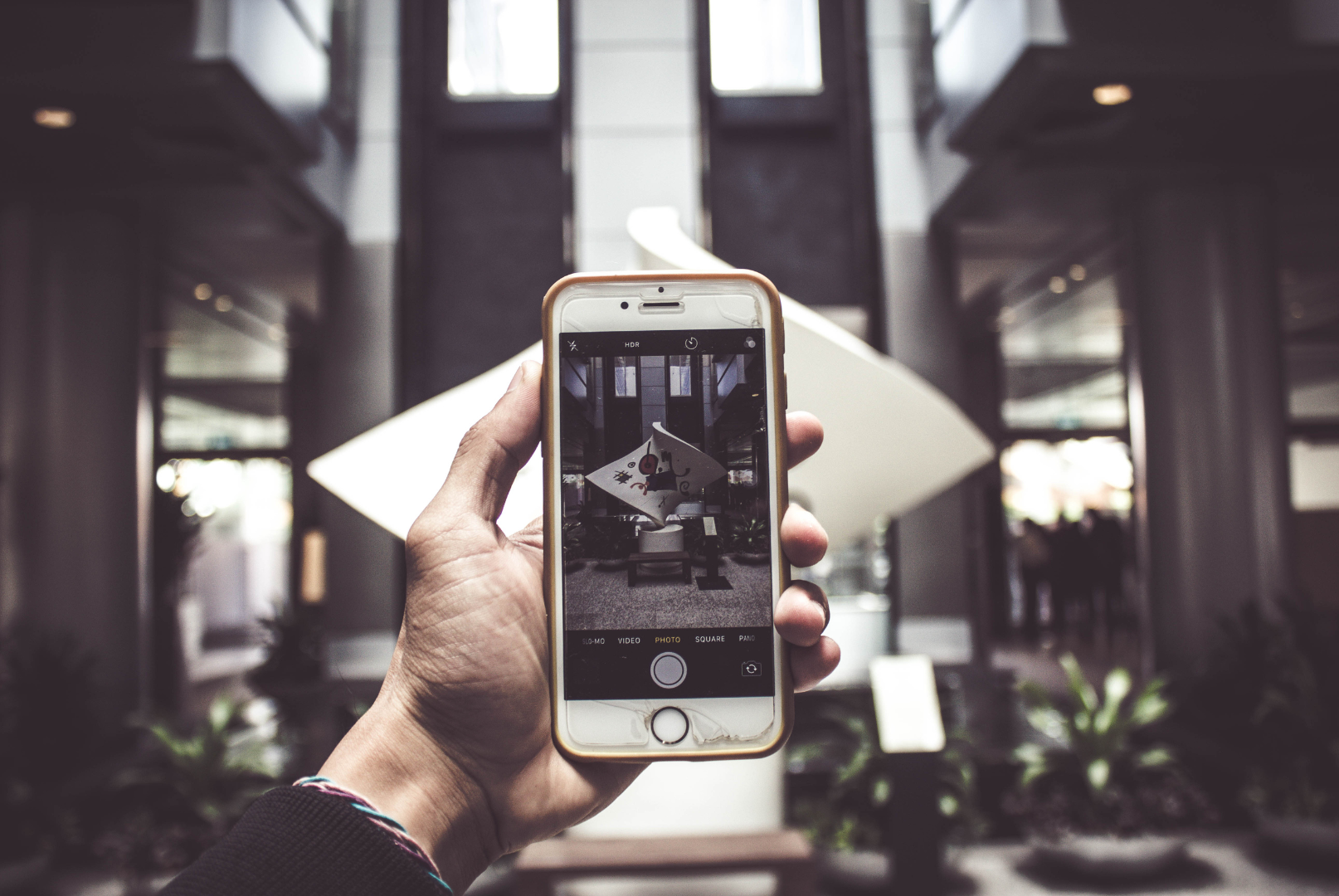
Core skills covered (everyone starts here)
Setting your phone up with the right resolution, frame rate, shutter behaviour, and exposure.
Using the free Blackmagic Camera app to control exposure manually.
Framing shots properly (what to include, what to cut, and why it matters).
When to add movement, and when to lock off on a tripod for a cleaner look.
Next-step skills (if relevant to you)
Using one light properly (even a single light can make your footage look far more polished).
Shooting with a gimbal for smoother movement.
Editing in DaVinci Resolve (free version) and learning a simple, repeatable edit workflow.
Basic to intermediate colour grading, especially for Log footage (a faster path than months of piecing together random YouTube tutorials).
Option 2
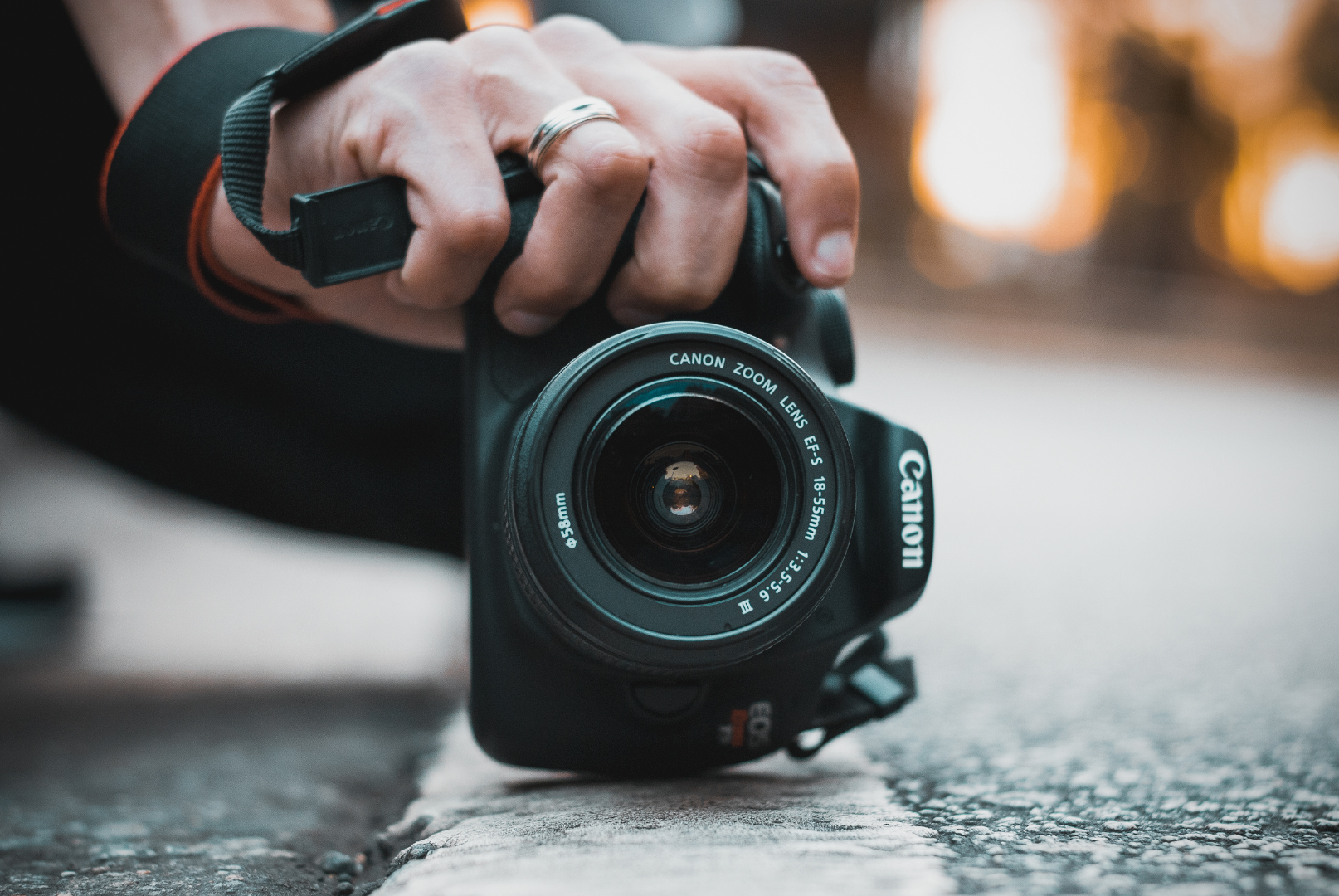
Camera coaching (DSLR / mirrorless)
If you own a professional camera but it mostly lives on auto mode, this coaching will get you comfortable with the settings that actually change the look of your footage.
Depending on your gear and goals, sessions can cover:
Exposure fundamentals (aperture, shutter speed, ISO) in plain English.
Frame rates and why your footage can look “cheap” if motion settings are wrong.
Focus settings (and how to avoid soft, unusable clips).
Lighting basics that work for interviews, products, and office content.
What you’ll need
A room for the lesson (preferably at your location).
Any camera or phone.
If you want to learn Log + colour grading: iPhone 16 Pro or later (Log-capable).
A laptop with DaVinci Resolve installed (free version is fine).
Coaching Packages (Sydney)
Refresher
(Upskill Session)
For someone with some experience who wants sharper technique and faster workflows.
3 hours
$400
AUD + GST
Starter
(Foundation Session)
Learn to use your camera/phone, frame and compose stronger shots, and edit content that holds attention.
4 hours
$600
AUD + GST
Pro
(Full-Day Intensive)
Everything in Starter, plus Log filming (if supported), colour grading fundamentals, exporting properly, and a guided DaVinci Resolve workflow.
Full day (7–8 hours, depending on your pace)
$1,000
AUD + GST
Areas Served
Sydney CBD & Barangaroo
North Sydney & Chatswood
Parramatta & Western Sydney
Surry Hills, Alexandria & Inner West
Macquarie Park & Ryde
Bondi & Eastern Suburbs
Cronulla & The Shire
Penrith & Greater West
Frequently Asked Questions
Do I need any experience before booking a coaching session?
No. These sessions work for complete beginners and for people who've already been filming but want to improve specific areas. If you have experience, you'll be asked to share a few clips so the session can focus on what you actually need.
Can you come to my office or location?
Yes, that's preferred. Filming in the space where you'll actually be creating content makes the coaching more practical and relevant.
What if I don't have an iPhone 16 Pro—can I still learn?
Yes. Most of the core skills (framing, exposure, movement, composition, editing) apply to any phone or camera. The Log profile and colour grading are optional extras that only apply if you have the right device.
Is DaVinci Resolve difficult to learn?
It has a learning curve, but the free version is powerful and the coaching focuses on a simple, repeatable workflow—not overwhelming you with features you won't use. You'll learn what matters first.
Can I bring a colleague or staff member to the session?
Yes, as long as they're actively participating. Two people can share a session if they're working on the same type of content or using the same gear.
What's the difference between the Starter and Pro packages?
Starter focuses on shooting better footage and editing it cleanly. Pro adds colour grading (especially for Log footage), deeper DaVinci Resolve training, and export settings for different platforms.
Will I get ongoing support after the session?
The session itself is self-contained, but you can book a follow-up Refresher session later if you want feedback on your progress or help with specific challenges.
Can this coaching help with drone filming or advanced lighting setups?
Not in these beginner-focused sessions. Coaching is designed for phone/camera basics, editing, and single-light setups. For drone or advanced multi-light work, a different training structure would apply.
Ready To Level Up Your Content?
Call us to book a coaching session,
or use the website form to request a time and let us know what gear you’re using.

Professional videography services specialising in social media content for creative and service-based industries.
SERVICES
INDUSTRIES
COMPANY
LOCATIONS


© 2026 anyshotmedia. All rights reserved.